
Condukt 1.1, now Free to Try
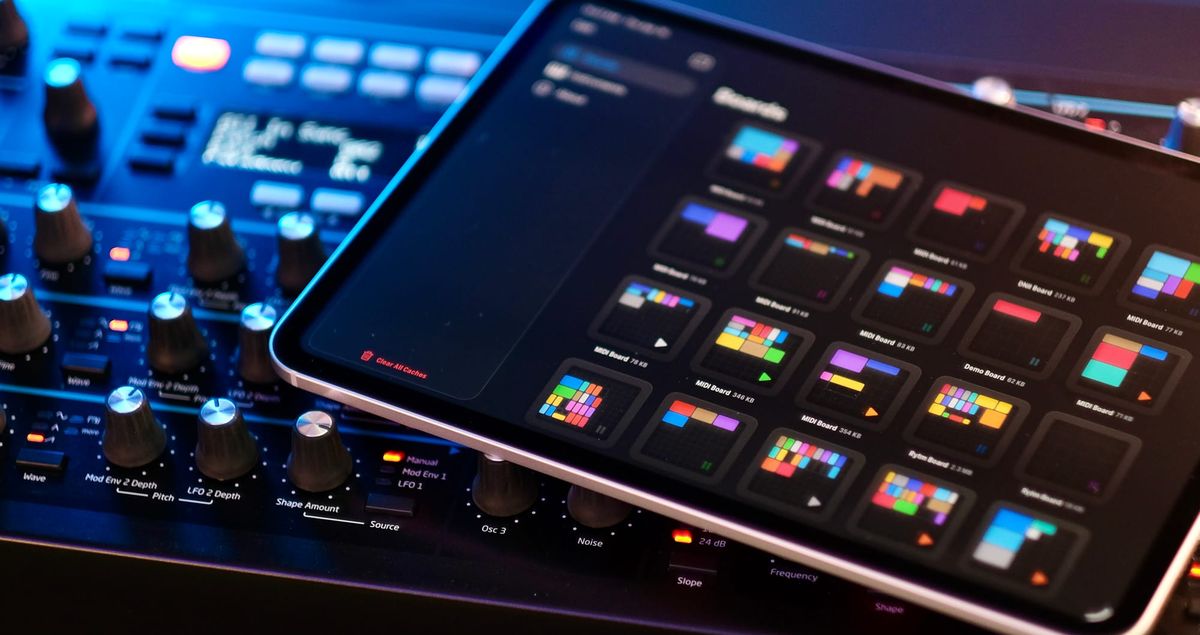
Condukt 1.1 is out, and with it comes a big change: Condukt is now free to download. Plug in your synth, try everything for 3 days, and if it clicks, unlock it forever with a single purchase. No subscriptions, no feature gates during the trial.
This was the number one request since launch. People wanted to test if the app actually works with their gear before committing. If you already own Condukt, nothing changes. You keep everything. No action needed.
Phrase Sequencer, Reimagined
The Phrase Sequencer got a ground-up overhaul in 1.1.
Rundown on the new Phrase Sequencer
Resizable layouts. Switch between an 8-step compact view and a full 16-step "Phrase Deluxe" layout. Same sequencer, more room to work when you want it.
Accumulators. Inspired by the Metropolix, each step now has a pitch accumulator. Your melody evolves with every pass through the sequence. Set it to Wrap and the pitch resets at the boundaries. Set it to Pendulum and it bounces back. A ghost indicator on each fader shows you the accumulated offset so you always know where you are.
Batch editing. The new All Steps popover lets you set Gate, Velocity, Tie, Gate Length, Retrigger, and Probability across all steps at once. Randomize buttons give you instant variation. When you want to explore, roll the dice. When you want precision, dial it in step by step.
New modulation destinations. Active Steps rotation, Gates rotation, and a scale-quantized Pitch Offset that spans three octaves in either direction. Wire these up to an LFO or XY pad and the sequence starts playing itself.
More advanced routing options in 1.1
Play Without Hardware
Condukt now includes a virtual MIDI source that's always on. Route MIDI from Condukt into AUM, Drambo, or any other iOS app that accepts MIDI input. No cable, no hardware, no configuration. Open both apps and go.
This makes Condukt useful even if you don't own a single synth. Build a board, sequence some notes, and send them wherever you want on your iPad.
Hardware Stays in Sync
When you turn a knob on your synth, Condukt's faders now follow. Hardware CC feedback reads incoming messages and updates the UI in real time, with inverse curve mapping so the values match what you set up. No more guessing where a parameter is. What you see on screen is what your hardware is doing. Caveat: not all synths support this.
Everything Else
- Keyboard and MIDI CC bindings for faders, crossfaders, and XY pads
- General MIDI controls (Mod Wheel, Breath, Expression, Sustain) available for every synth definition
- MIDI Panic button that sends All Notes Off, All Sound Off, Reset All Controllers, and MIDI Stop
- Board notes so you can annotate your setups
- 3-level zoom (1x, 1.5x, 2x) for boards
- XY Pad snapshot recall with crossfader morphing
- Crossfader editor with dedicated bindings and settings
- Performance optimizations throughout
MIDI.guide Keeps Growing
The community database that powers Condukt recently passed 300 synth definitions. That's 300 devices you can plug in and control by parameter name, most of them contributed by users. Every definition added makes Condukt better for everyone, and the pace keeps picking up.
If you want to contribute a definition, or even just ask if we can cover your elusive synth, drop by our Discord. And it's not just Condukt that benefits. midi.guide powers other hardware too, like Reliq (receiving our unit next week, can't wait). Every definition you add helps the whole ecosystem.
What's Next
Condukt 1.2 is already in the works, watch this space. We'll also be at Superbooth in Berlin this May. If you're attending, come say hi, you'll recognize us by our jackets. We'd love to meet the people behind the pull requests and bug reports, and see what you're building with Condukt in person.
PS
Our SEQTRAK Case is still out of stock, but we hope to print some more after Superbooth is done.